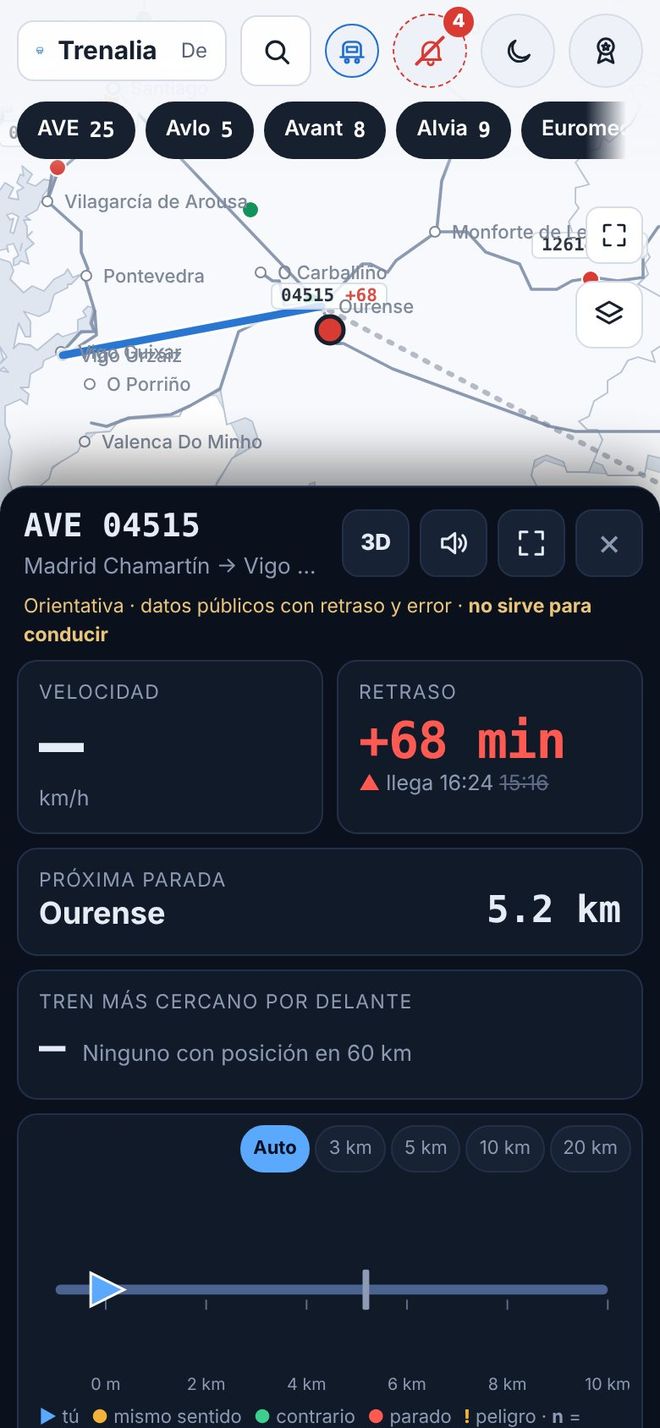
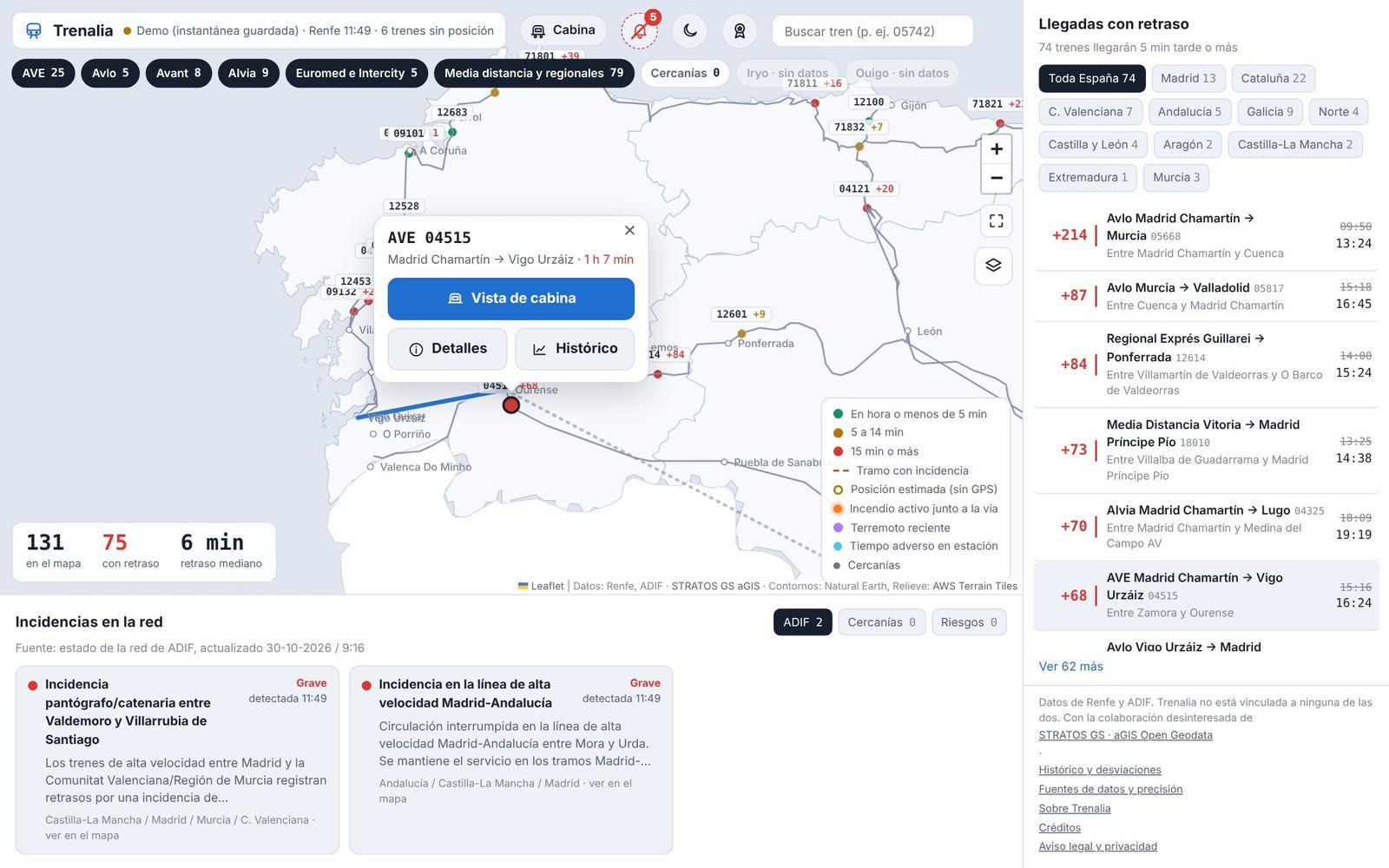
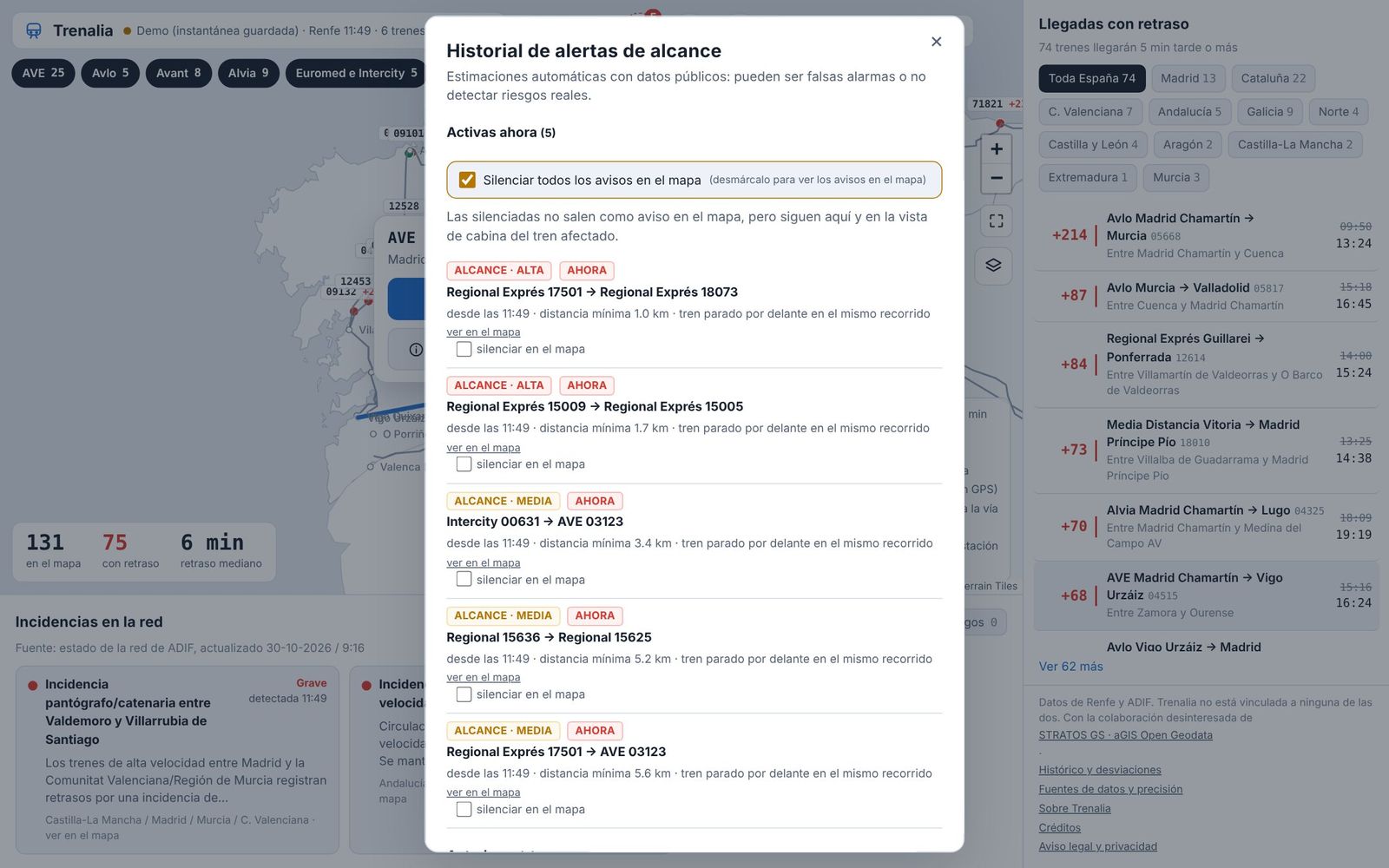
Today's timetable
Every direct train between two stations on the day you choose, grouped into early morning, morning, afternoon and night, with journey time and stops. Past departures are dimmed and the next one is highlighted.
See timetables
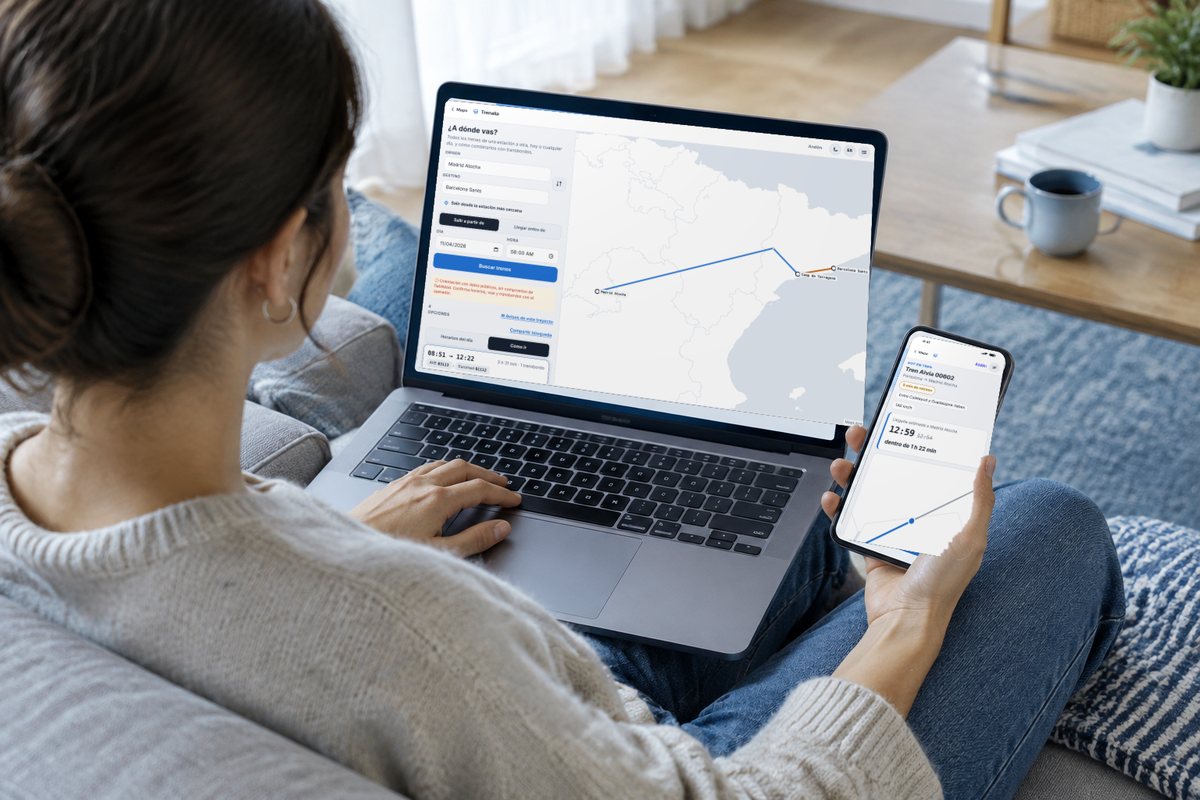
How to get there, with connections
Combinations with up to three changes, with times, the margin for each connection and the live delay of trains already running. You can share the journey or add it to your calendar.
Plan a journey
Follow your journey
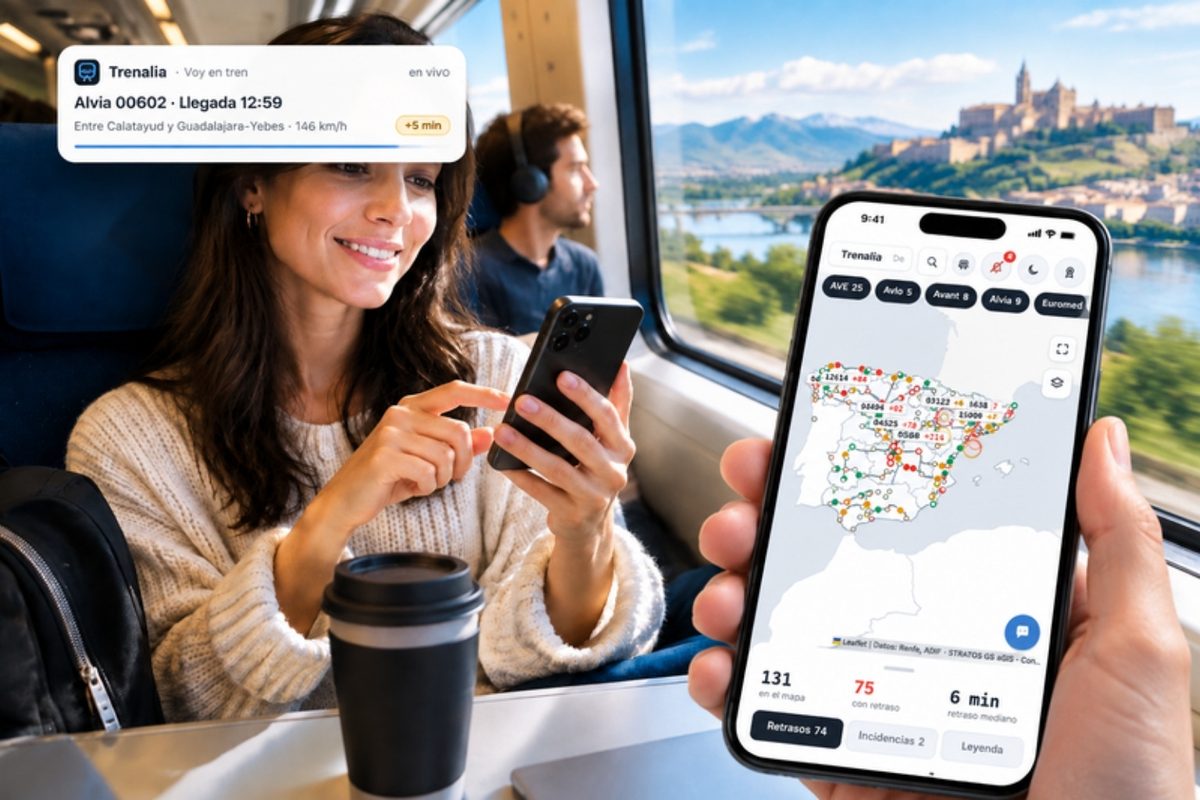
With “Set course”, Trenalia stays with you: time and platform before you leave, how far to your stop and a warning if a connection gets tight or is missed, with the option to look for another combination.

Platform view
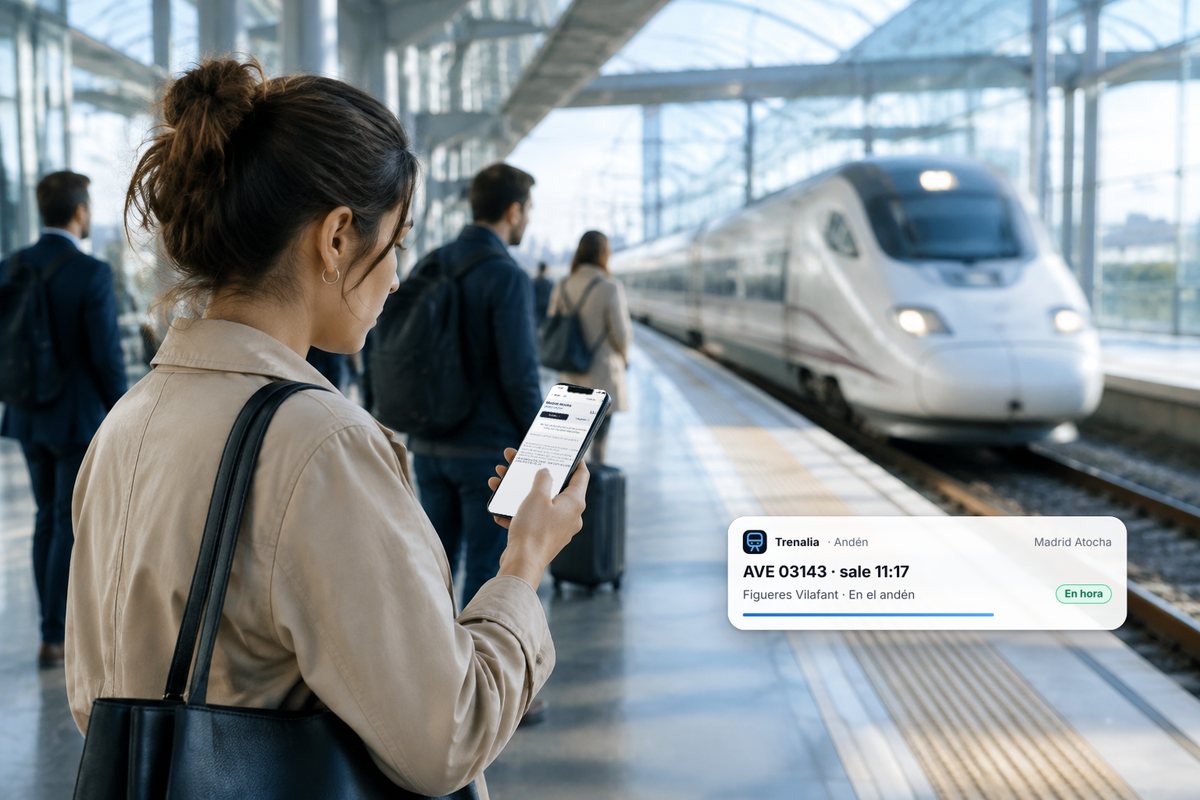
Departures and arrivals at your station, or the nearest one, with countdown, delay and platform. At night it already shows the first trains of the morning.
Open the platform view
Alerts for your train
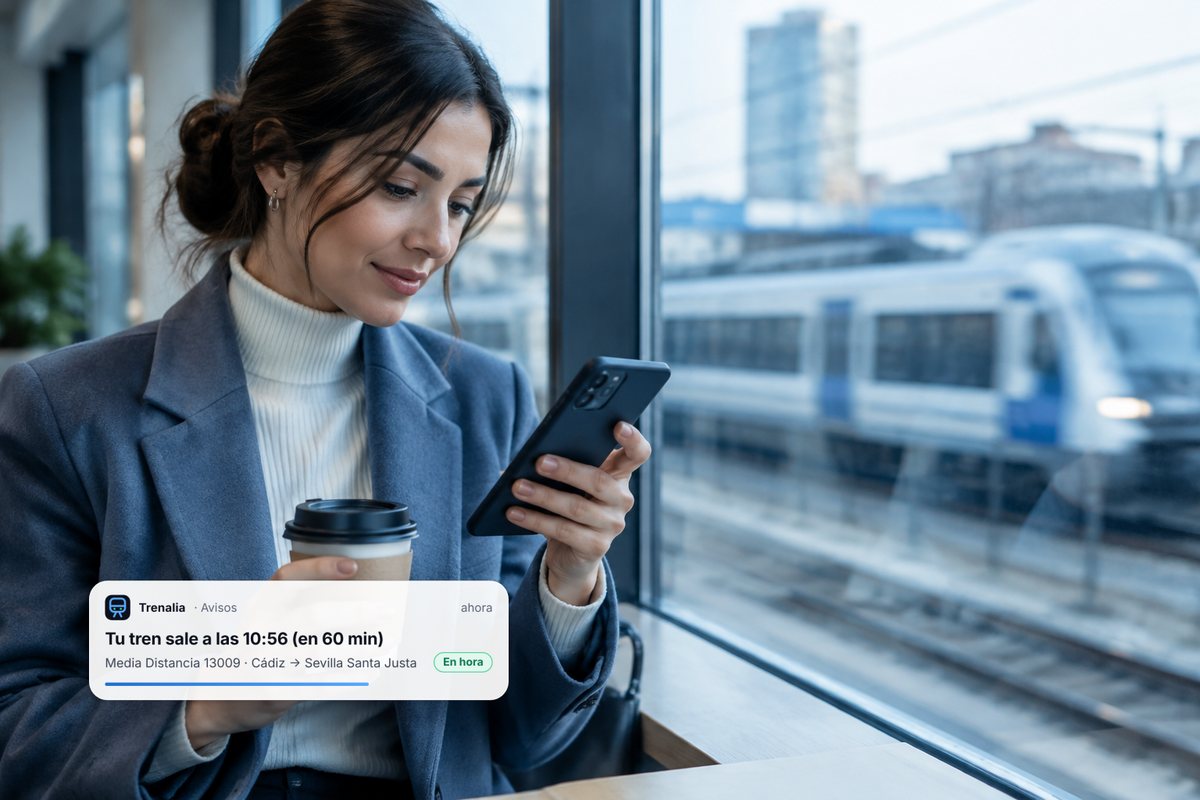
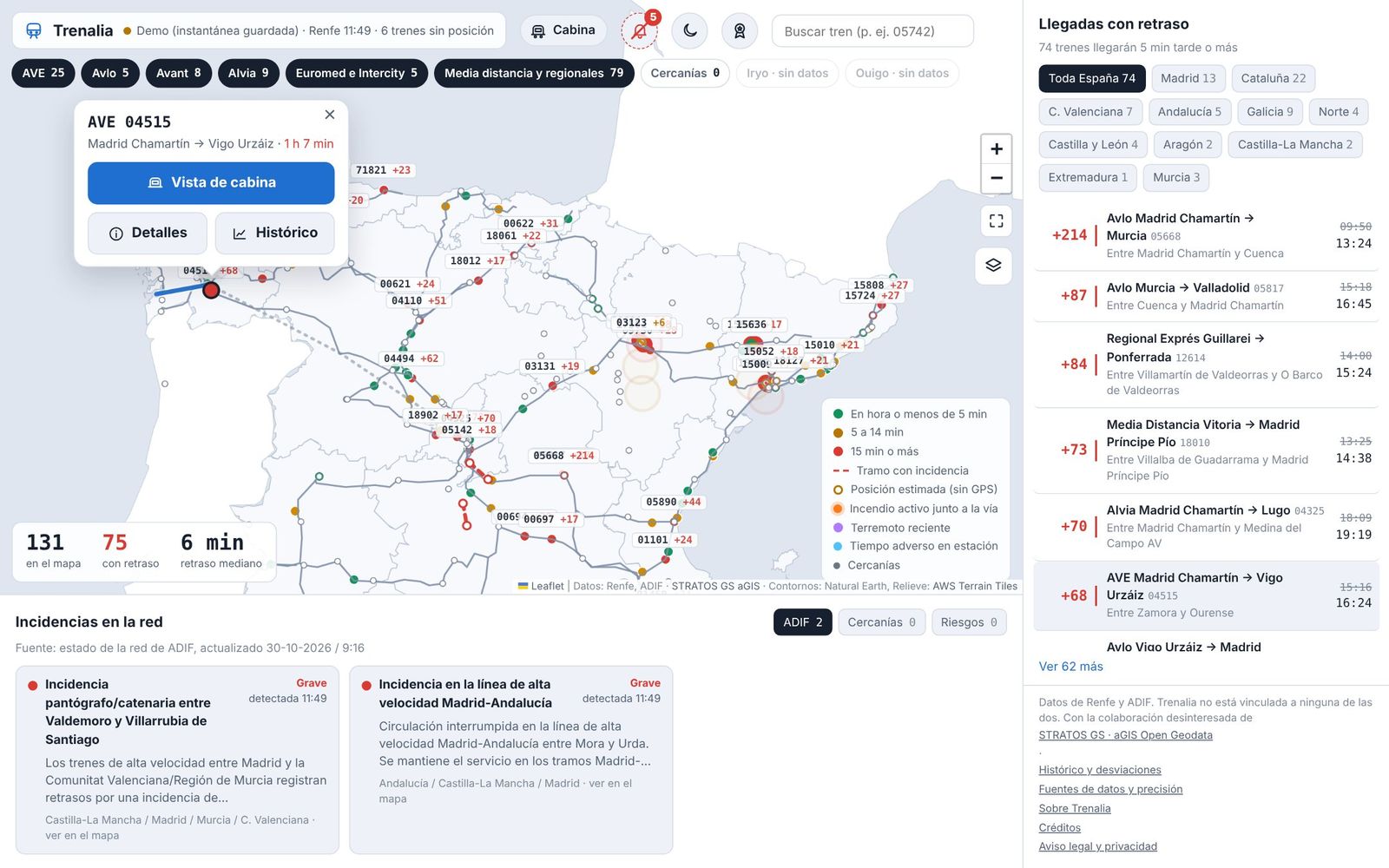
Follow a train and Trenalia alerts you when the delay reaches the minutes you choose, when the platform changes or when you are close to your station. If you turn on notifications, they reach you even with the website closed (on iPhone and iPad, with Trenalia added to the home screen).
Indicative compensation
Based on the known delay, what compensation you might be entitled to under the rules published by each operator. It is only a guide: the operator's decision is what counts.
You know which delay you see
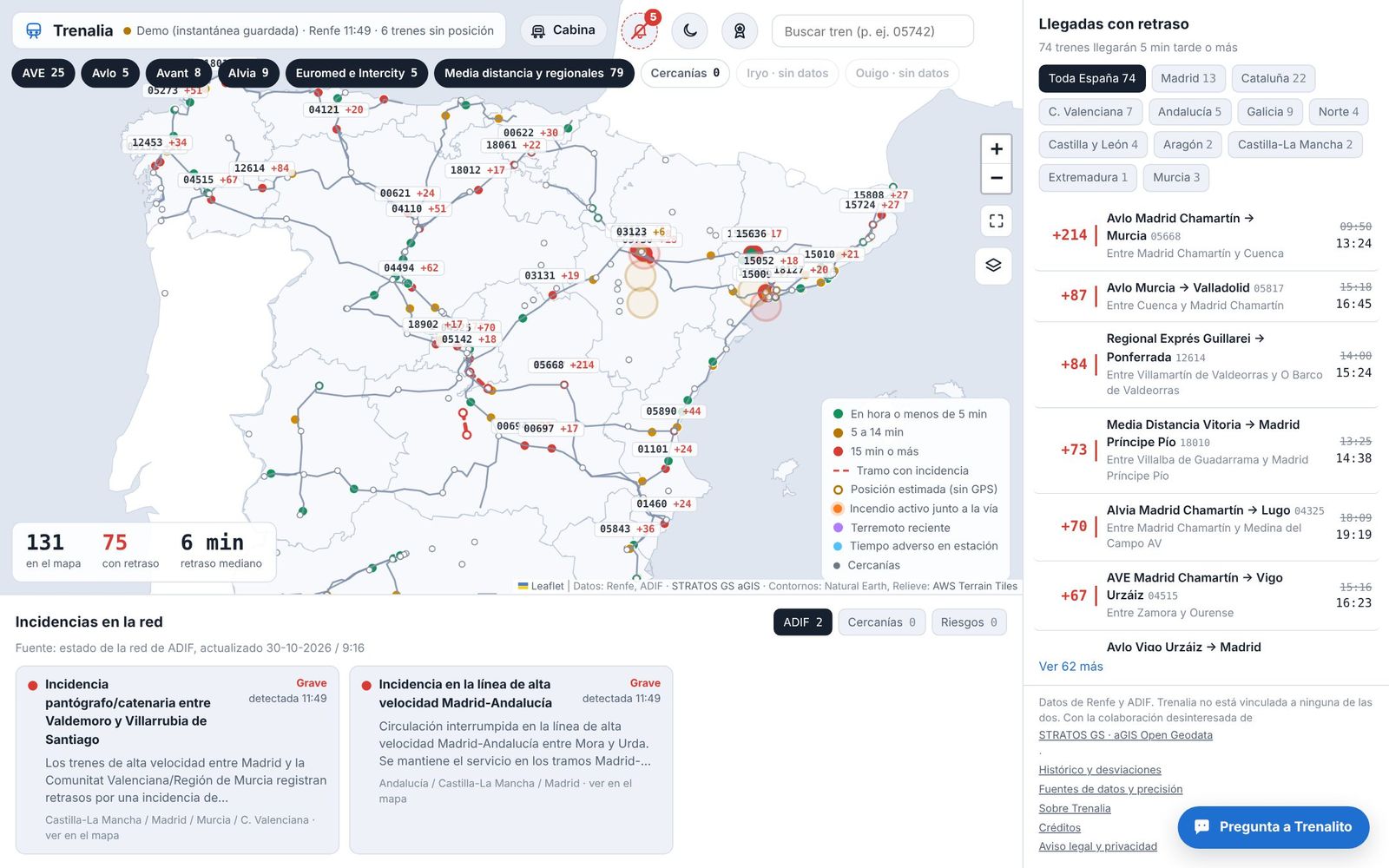
Every delay shows its source: Renfe (the official one), Adif (station boards, for Iryo, Ouigo and other trains without GPS) or Trenalia (projected). Trenalia’s figure is only shown where validation proves it is more accurate than the official one.
See the station
Tap a station and see what it looks like from outside, with a free photo from Wikimedia Commons and its author and licence shown.
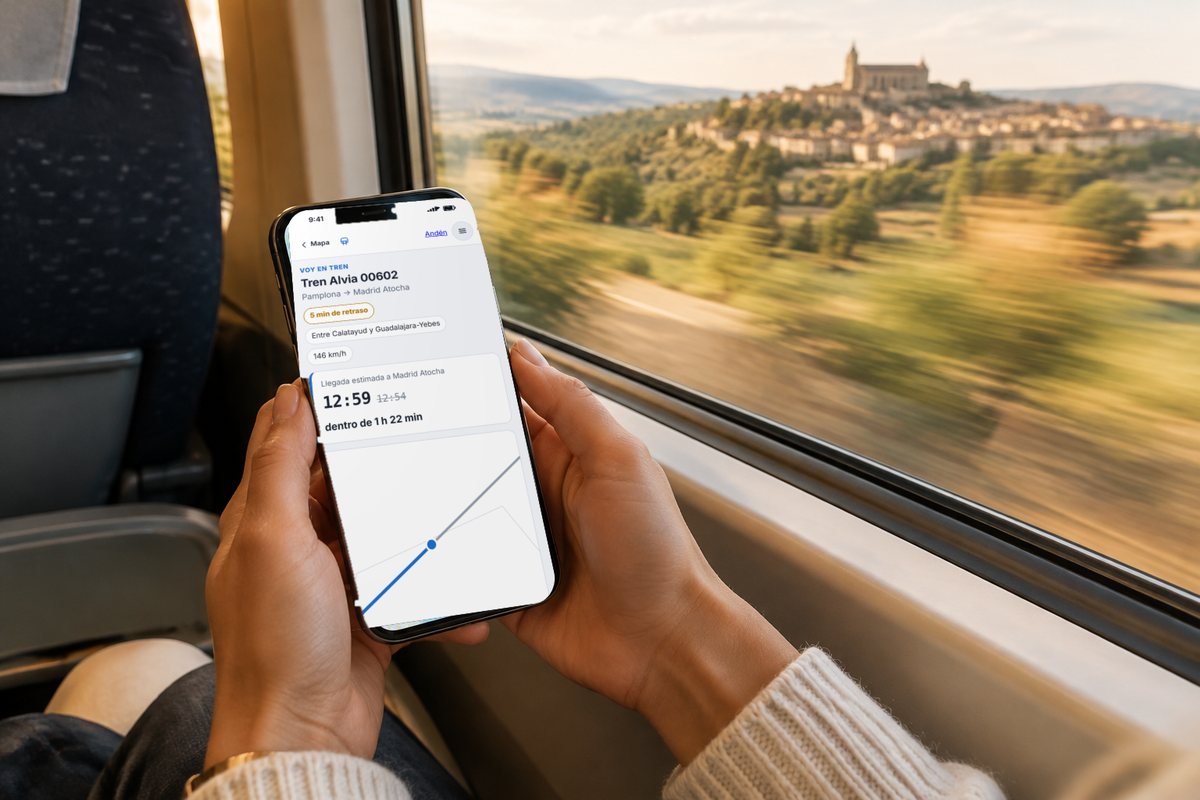
I’m on a train: get met without calling
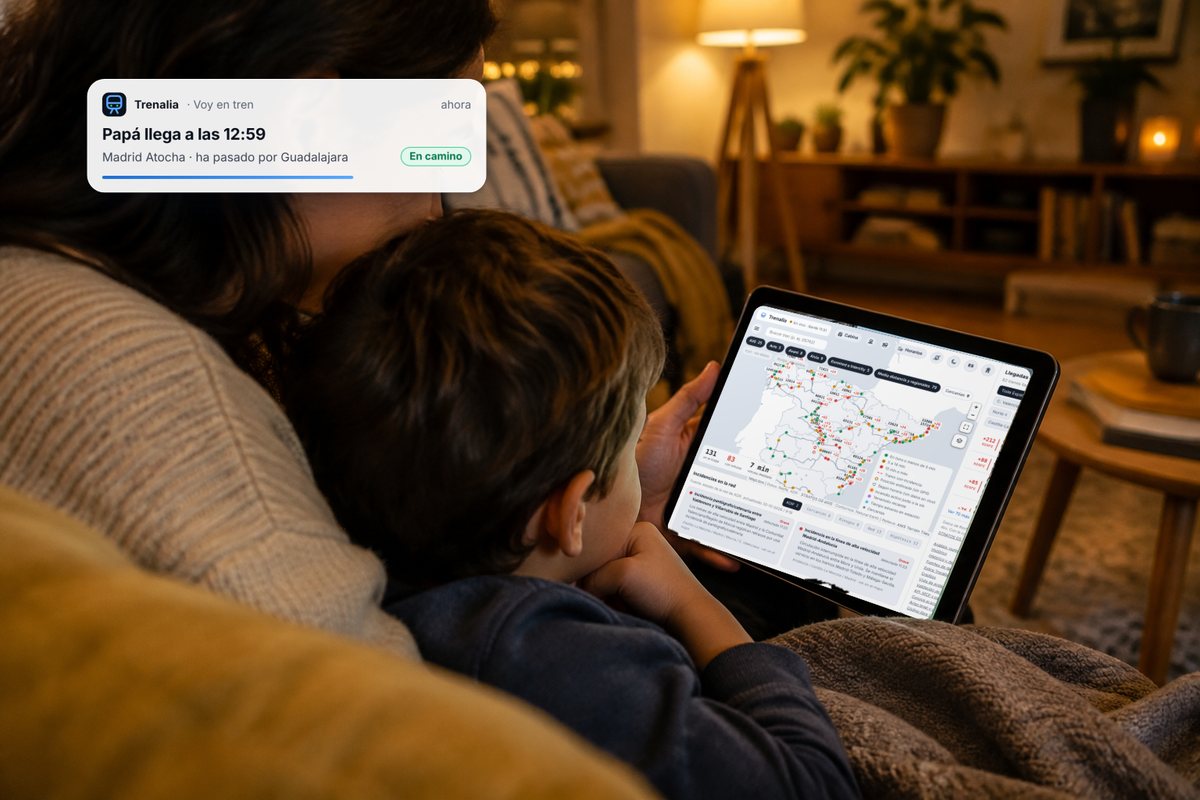
If you are on a train, send your family a short link (by WhatsApp or with a QR code): they will see where you are, the next stops and when you arrive at the station where they are meeting you. They can ask for an alert on arrival and add the arrival to their calendar. No personal data; the link expires on its own.
Try “I’m on a train”
Your train, straight from your ticket
Don’t know your train number? In “I’m on a train”, take a photo of your ticket or scan it with the camera, pick the Wallet pass (.pkpass) or upload the PDF the operator sent you: Trenalia finds the train, the day and your stop, and offers the next leg if it is a return ticket. The ticket is read on your own phone and is never uploaded. On Android, with Trenalia installed, you can also send it from your email or the operator’s app with “Share → Trenalia”.
Read my ticket
From computer to phone, with a QR code
Started your trip on the computer on the train and getting off to change trains? In “Move to another device” you scan a QR code (or type a code) and your current trip, your trip with changes, upcoming trips and followed trains move to your phone. You can also link both devices for 24 hours so they keep each other up to date. No accounts and end-to-end encrypted: Trenalia can’t read what is moved. And on a trip with changes, “I’m on a train” tells you how much time you have to change and, when you arrive, switches to your next train by itself.
Move to another device
Buses, closures and lifts
Trenalia reads the official Cercanías and Rodalies notices and puts them on the map: sections run by bus, closures, single-track working, trains that do not complete their route and planned engineering works. It tells you when you plan a journey (also for another day) and on the station board, together with lifts that are out of order.
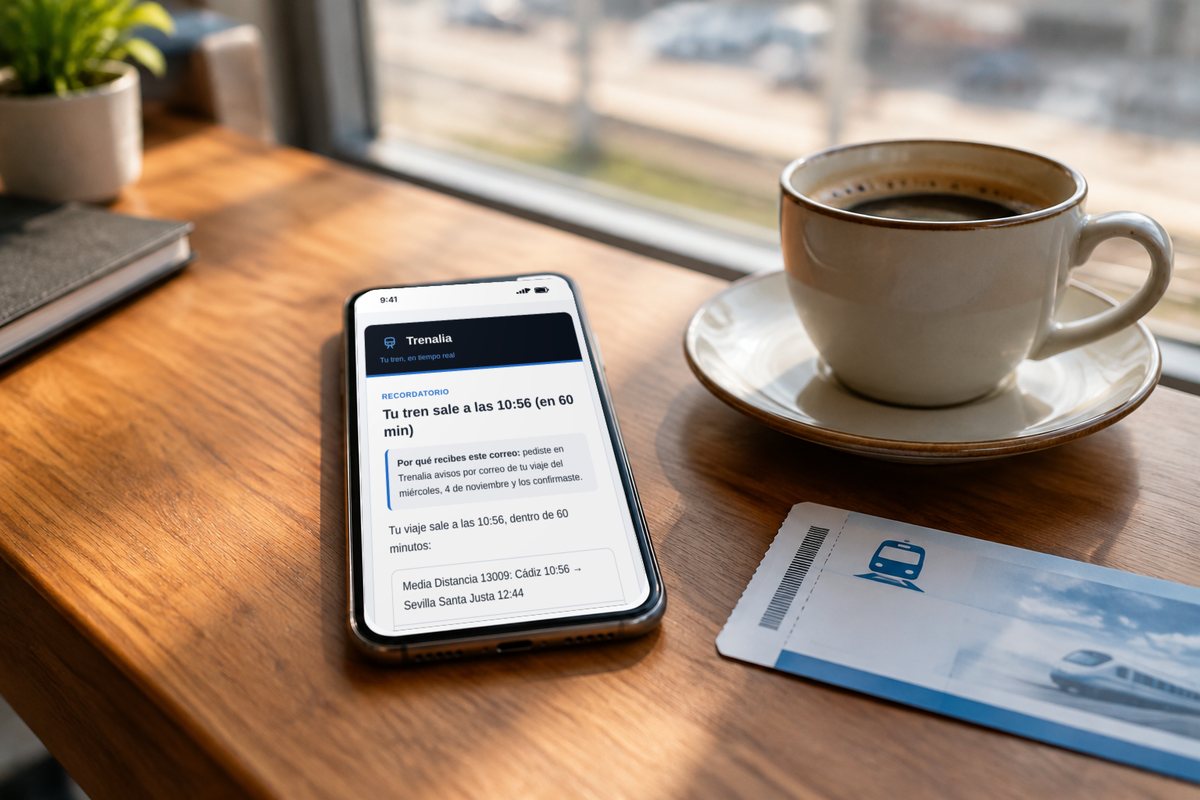
Email alerts
Plan a journey (also for tomorrow or next week) or follow someone’s arrival and ask for email alerts: a reminder the evening before and before departure, delays, cancellations, connections at risk and operator notices on your route. You confirm once, unsubscribe with one click and your address is deleted when the journey ends. You can also subscribe to alerts for your commuter line, for a route between two stations (Adif and the operator: closures, buses, faults) or for a train you take often, and to a weekly newsletter with what is new in Trenalia.
Plan and get alerts
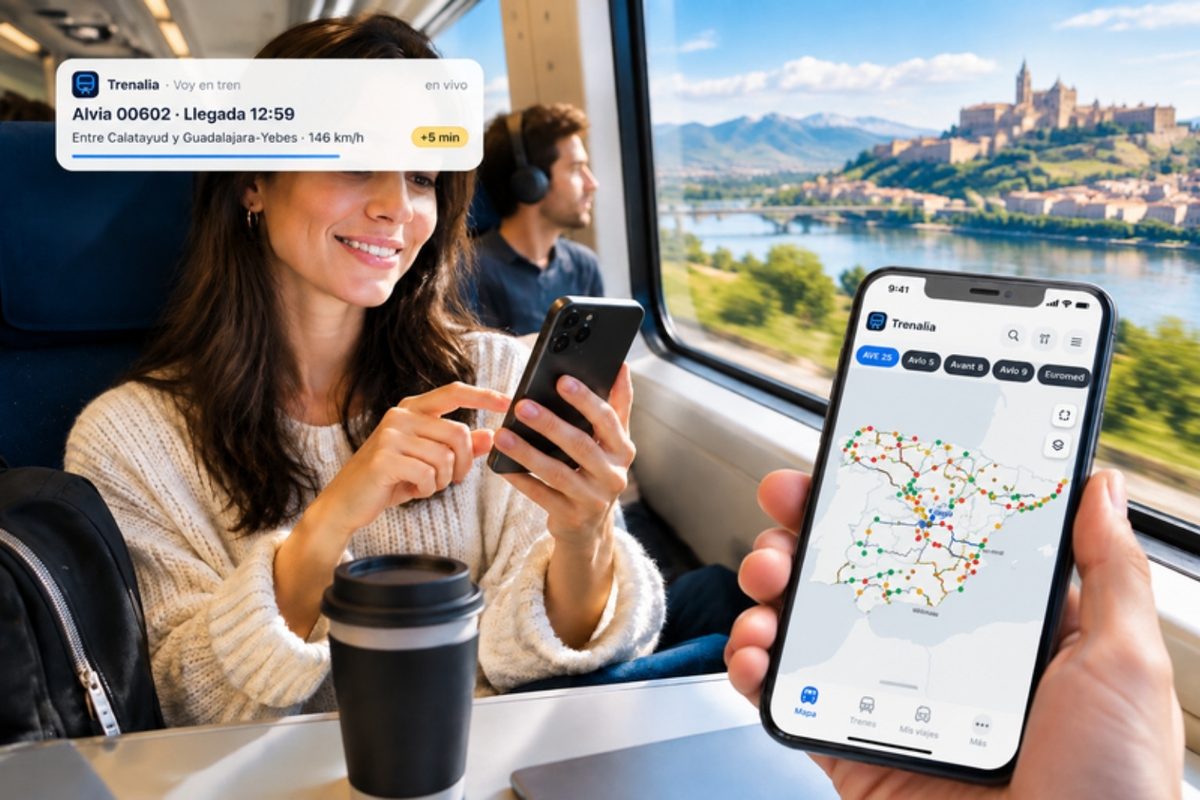
My trips
“I’m on a train” remembers your trip while it lasts, even if you close the page, and saves it to your history when you arrive: train, route, scheduled and actual arrival, maximum delay and operator notices. For now, only in your browser.
See my trips
Be the track’s sensor
In “I’m on a train” you can leave your phone still on the table (ideally charging) and turn on the sensor: it feels the train’s bumps and vibrations and, by pooling what many passengers feel, sections and trains that aren’t right show up sooner. Anonymous and without GPS; the screen stays on while it measures.
Try “I’m on a train”
A simple view on your phone
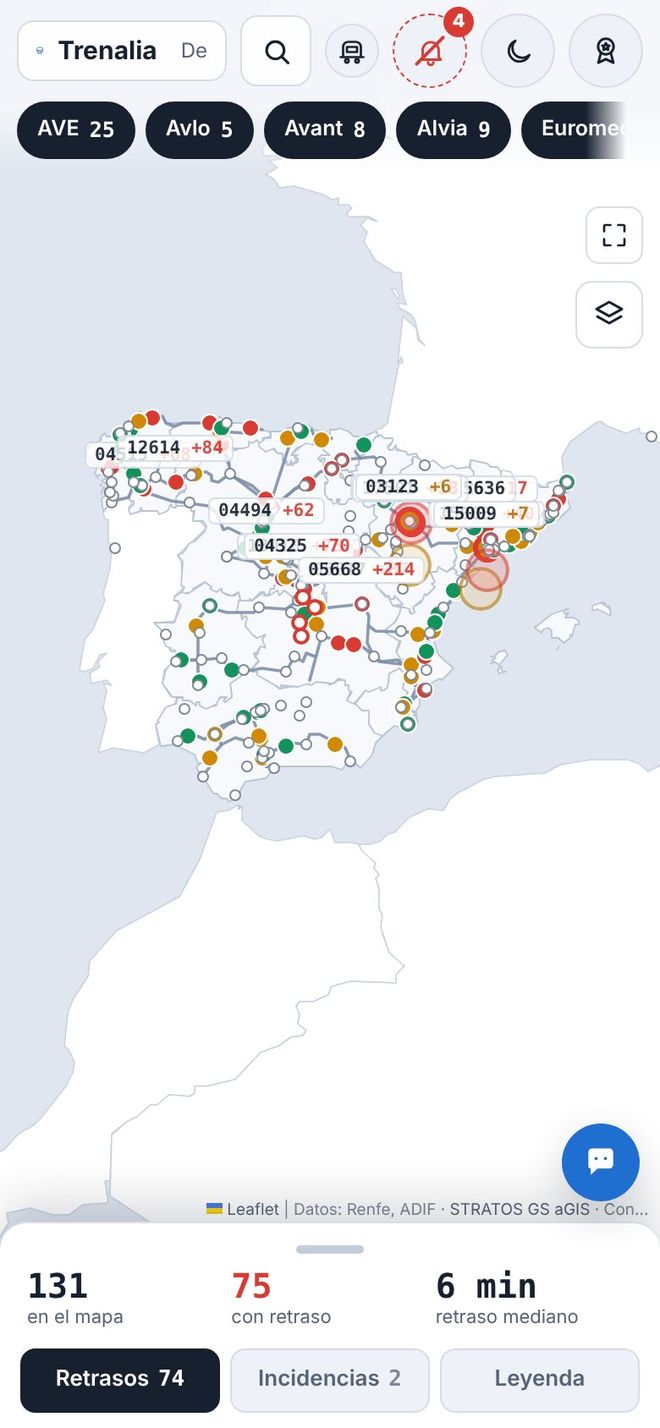
On your phone, Trenalia now opens a simple home screen: search for your train or station, swipe to choose what to do and see your usual journey. The first time, a short tutorial shows you the basics; the usual map is still in Menu → Full view.
Open on your phone
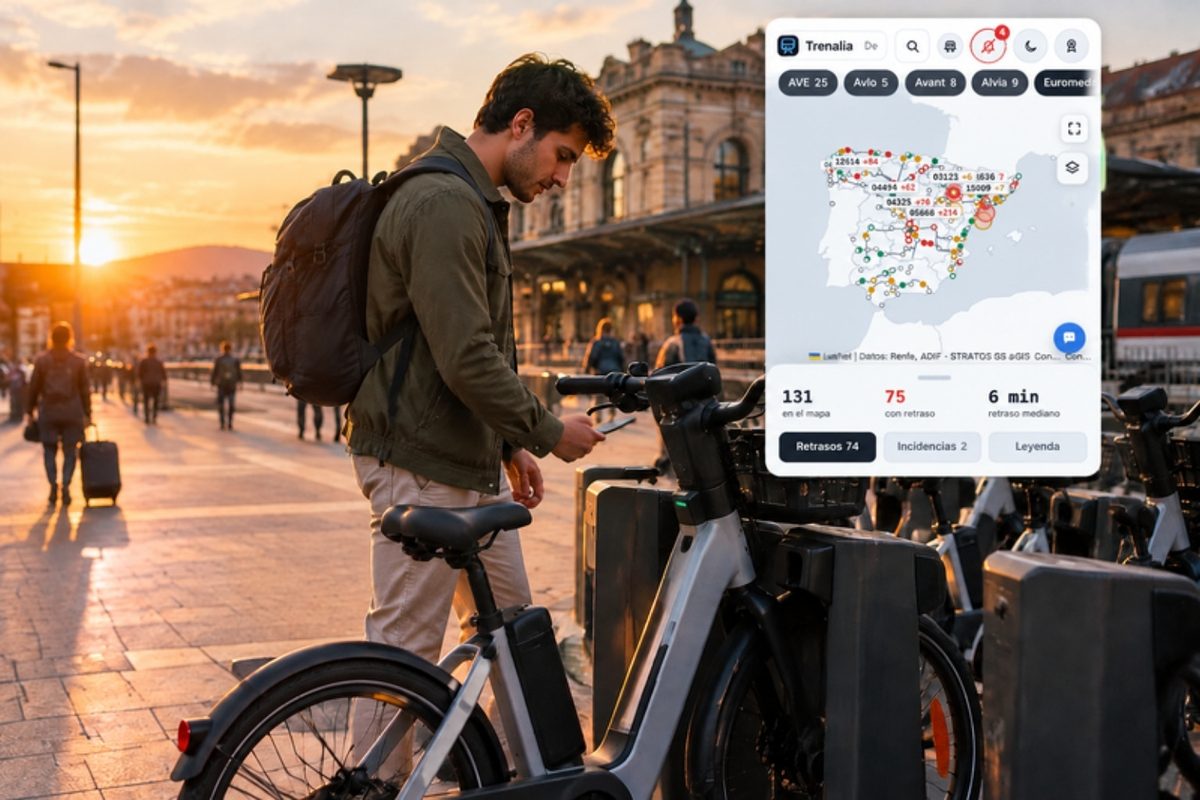
Connections at every station
On the station board you see what connects with the station: airport (Barajas, El Prat, Málaga, Jerez), boat (Bay of Cádiz catamaran, Algeciras ferries) and shared bikes within 400 m with free bikes and docks in real time (BiciMAD, Bicing, Bilbao Bizi, Bizi Zaragoza and more). And nearby metro, tram and buses with their next departures, real-time delays where the operator publishes them and their notices (Madrid, Basque Country, Valencia, Alicante, Málaga, Seville, Granada, Zaragoza, Murcia, Barcelona and Mallorca), long-distance departures from the nearby bus station (ALSA, Daibus, Avanza, Samar…), Baleària ferries from the port, the Barcelona metro (TMB, via T-mobilitat) and nearby car parks with free spaces where the city council publishes them (Málaga and those on the DGT platform).

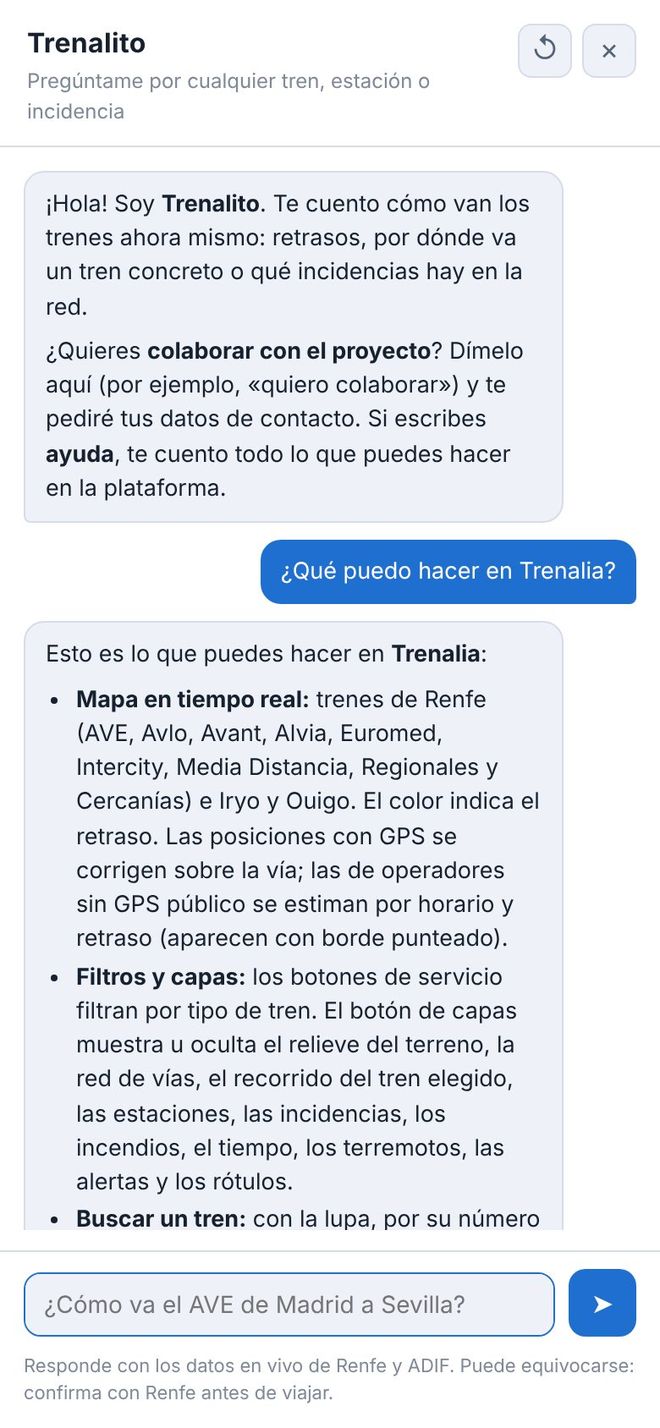
Ask Trenalito
Write the way you talk: “How do I get from Madrid to Seville tomorrow?”, “Timetables from Atocha to Aranjuez this afternoon”, “Are there any incidents in Catalonia?”. It answers with timetables and live data, takes you to the page with all the options, and you can rate each answer with 👍 or 👎.
It uses artificial intelligence (Claude, by Anthropic, with backup providers) and can make mistakes. Conversations are not stored; if you rate an answer, the question is saved without personal data to improve the assistant.
Talk to Trenalito